

Location context
GPS coordinates and place labels can disclose where an image was captured, edited, or exported.
Inspect and remove EXIF, GPS, XMP, C2PA and AI metadata from up to 10 JPG, PNG, WebP or HEIC/HEIF images locally before sharing, publishing or delivery.
Image privacy
An image metadata remover helps you find private context that the visible picture does not disclose.
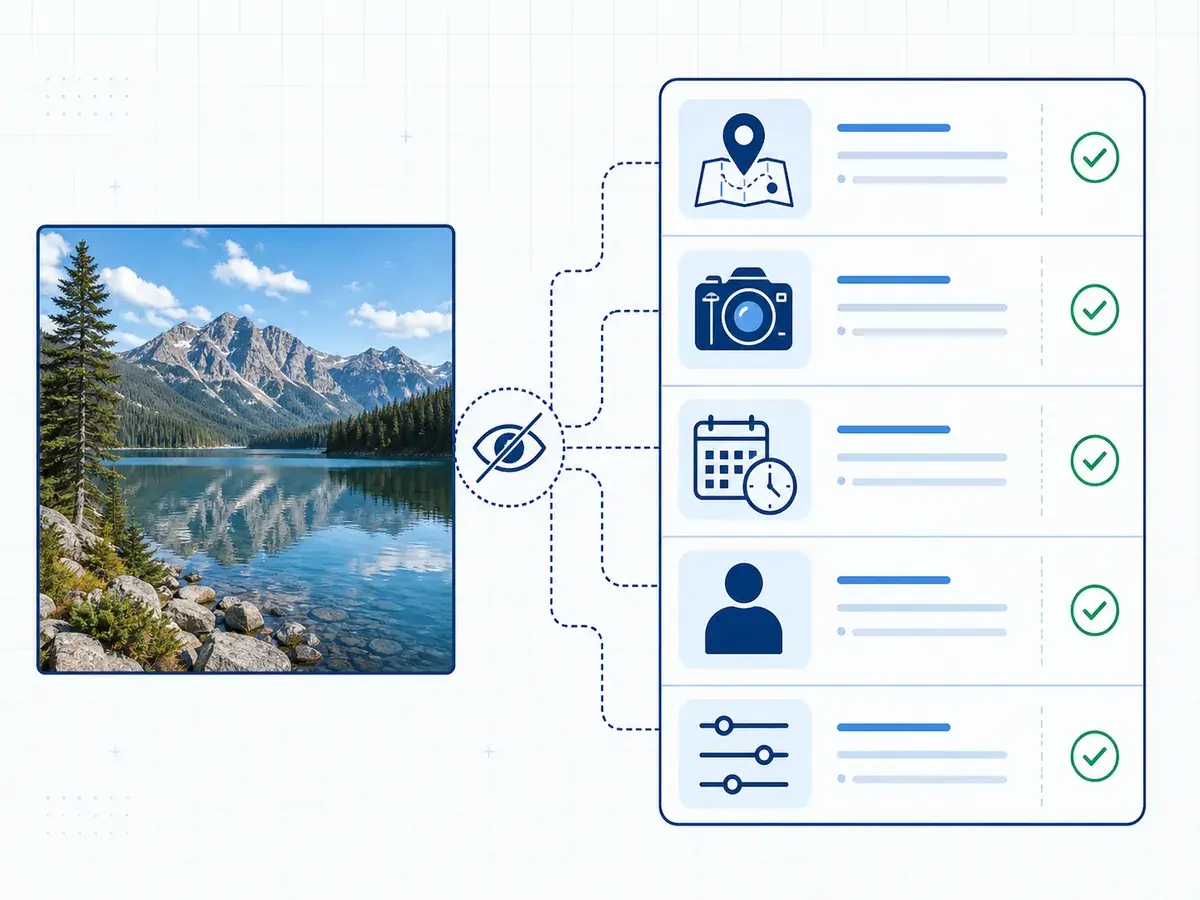
A photo may carry GPS coordinates, location labels, device identifiers, capture time, and software names. These fields can connect an ordinary picture to a home, routine, or specific camera even when the pixels show none of that context.
Author, copyright, and editing-history records can identify a person or production workflow. The image metadata remover shows recognized fields before cleaning so you know what a recipient or republisher could receive.
Public sharing is not the only risk. Client delivery can expose internal tools, while a repost can preserve old credits. Inspection makes hidden data part of the release decision.
GPS coordinates and place labels can disclose where an image was captured, edited, or exported.
EXIF fields may name a camera, lens, phone, software build, capture date, or time zone.
Author, copyright, credit, and contact values can persist when a file is copied or republished.
XMP and application records may reveal editing software, production stages, or internal naming conventions.
Proof, not a black box
Use the image metadata remover to review the plan before cleaning and the verified result afterward.
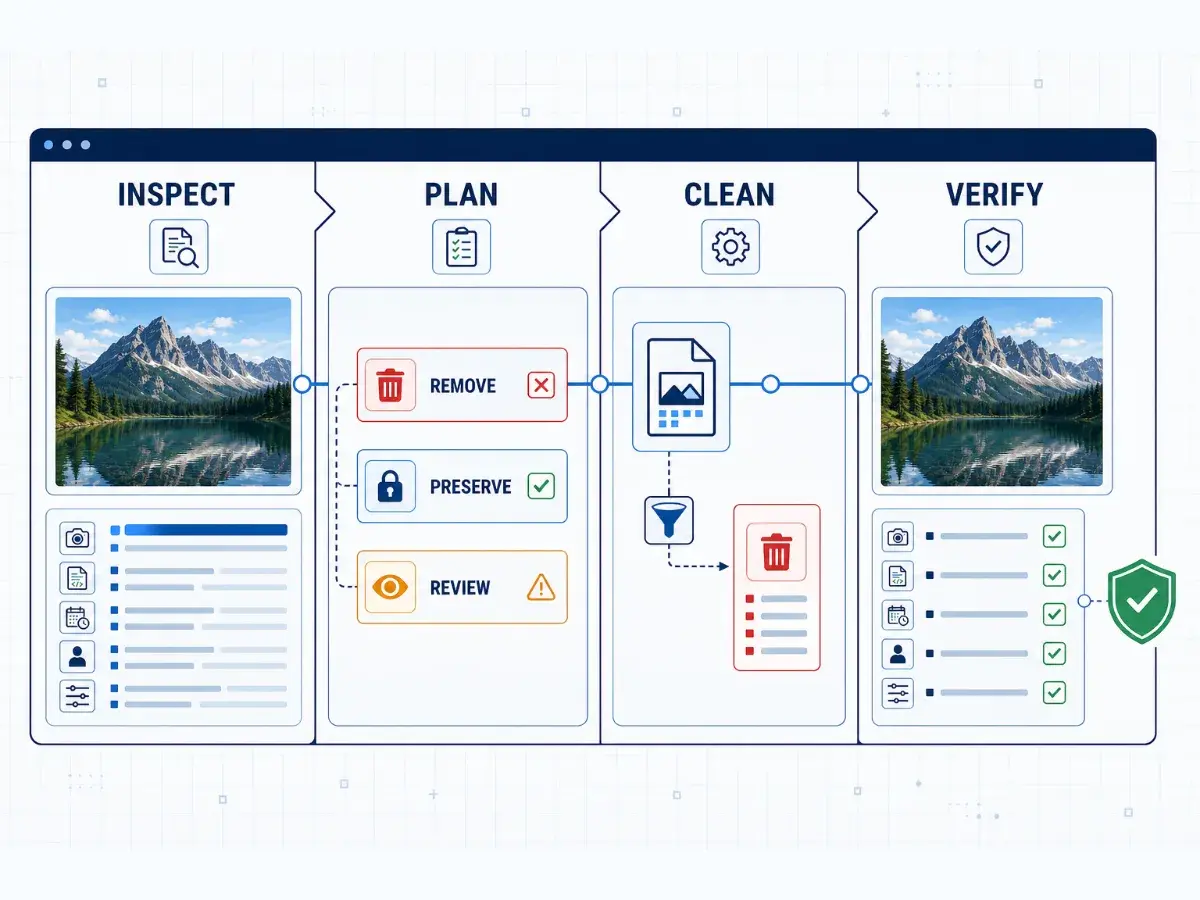
The browser sorts findings into removable fields, required display data, and unknown structures that need a warning. When you remove metadata from an image, one safe policy cleans recognized structures without blindly deleting everything else.
The tool then reparses the output, checks remaining metadata, and decodes the image. Verified means that cleanup path passed its technical checks; it does not validate C2PA signatures, a certificate chain, authorship, or authenticity.
Use the image metadata remover to inspect recognized fields and classify each removal, preservation, or warning decision before cleaning.
Preserve display-critical and unknown structures when deleting them would make the output unsafe.
Check the output format and dimensions, then decode the image before download.
Mark a result verified only after the cleaned file passes its reparse and remaining-metadata checks.
Common workflows
Check ordinary photos and generated artwork before private sharing, commercial delivery, or repeated publishing.
This tool inspects prompts, model references, workflows, and provenance before client delivery.
Review GPS, time, device, author, copyright, and editing fields before sending photographs.
Use an image metadata remover before posting personal pictures that could expose a location, device, or timestamp.
Clean product and print-on-demand assets before listings are syndicated, downloaded, or reused.
Inspect campaign images before editors hand them to partners, publishers, or regional teams.
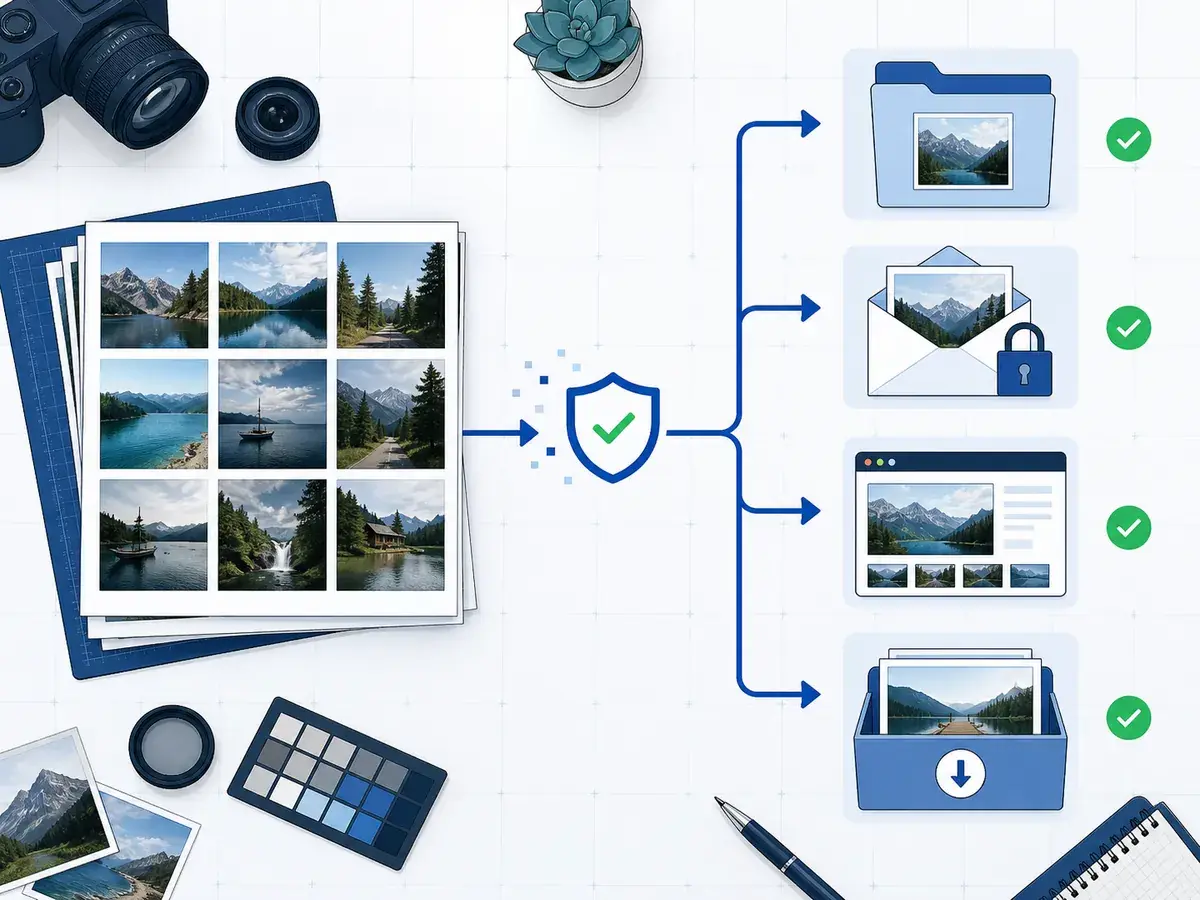
Apply one output policy to a release set, then verify files before individual or ZIP download.
Preservation rules
The cleanup policy protects image structures needed for reliable display and reports uncertainty instead of hiding it.
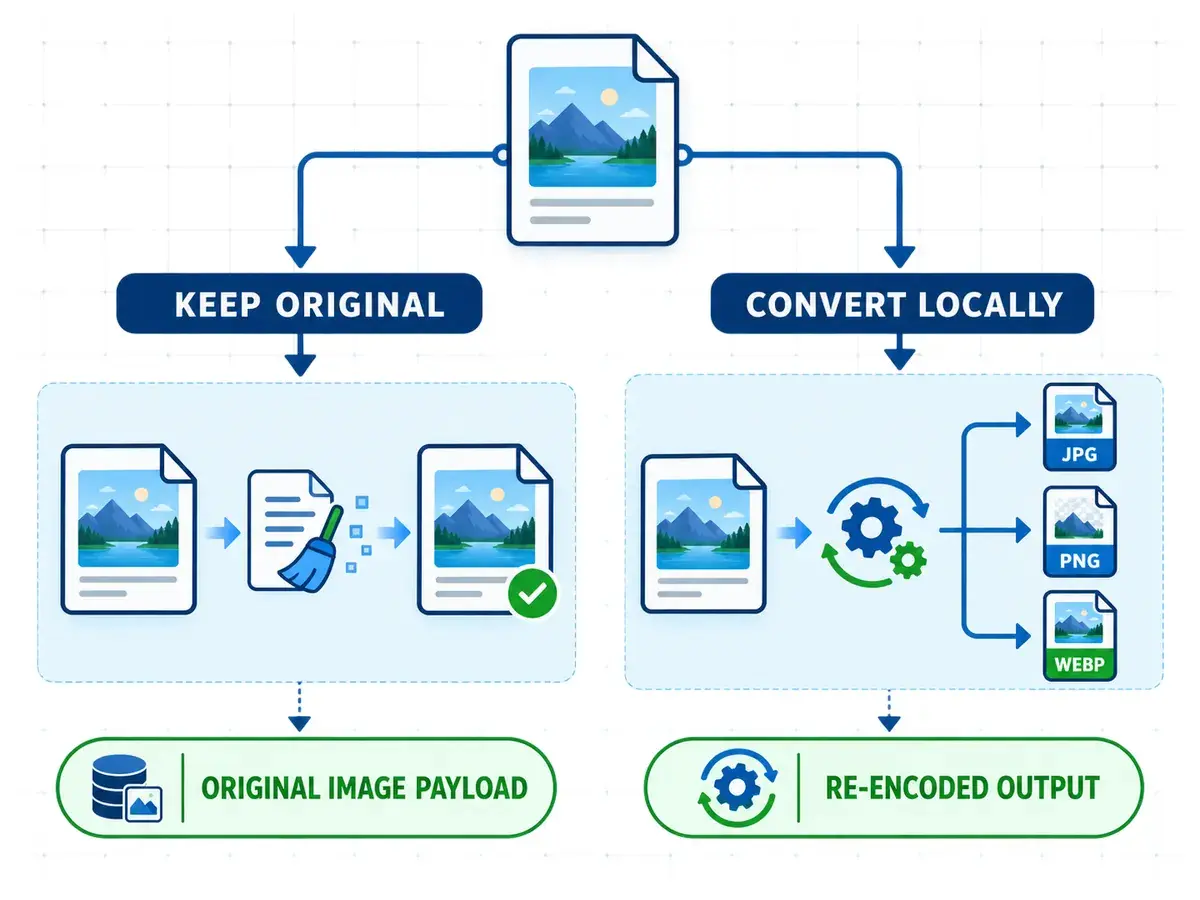
For JPG, PNG and WebP, the image metadata remover rewrites supported container metadata around the compressed payload when Keep original is selected. It preserves tested payload and display structures, then compares and decodes the result.
One safe preservation policy applies. You cannot separately retain camera details, author values, or GPS; unknown data stays when safe removal is uncertain, and the file receives a warning.
JPEG scan data, PNG IDAT data, and WebP payloads stay intact with Keep original.
Required orientation, color, transparency, and animation structures remain when original-format rules require them.
Unrecognized chunks remain when safe removal is uncertain, and that outcome stays visible.
Documented remove, preserve, and warn decisions apply to every file in a batch.
Output control
Keep JPG, PNG or WebP without recompressing its image payload, or create a locally re-encoded static file. HEIC/HEIF inputs require conversion.
| Input format | Inspect | Clean original | Convert output | Batch | Handling notes |
|---|---|---|---|---|---|
| JPG / JPEG | Inspection is supported. | Original cleaning does not recompress scan data. | Conversion re-encodes a static file locally. | It can join a supported batch. | Keep original retains scan and orientation structures; conversion creates a new encoding. |
| PNG | Inspection is supported. | Original cleaning does not recompress IDAT data. | Conversion re-encodes a static file locally. | It can join a supported batch. | Keep original retains transparency and animation; conversion creates a static result. |
| WebP | Inspection is supported. | Original cleaning does not recompress image payloads. | Conversion re-encodes a static file locally. | It can join a supported batch. | Keep original retains alpha and animation; conversion creates a static result. |
| HEIC / HEIF | Inspection is supported. | Keep original is unavailable. | Conversion to JPG, PNG or WebP is required. | The entire batch must use a converted output. | Local conversion creates a static result; decoded images are limited to 64 MP. |
Local batch workflow
This bulk image metadata remover handles a small release set locally with clear format and download choices.
The free online workflow needs no signup, account credit, subscription, or payment step.
Image contents and metadata stay in the browser instead of uploading to the project server.
Choose JPG, PNG or WebP once for the entire batch. Keep original is available only when the batch contains no HEIC/HEIF inputs.
Download verified files separately or collect the completed results in one ZIP archive.
AI image files
The AI image metadata remover examines ordinary photo fields alongside supported generation and provenance structures.
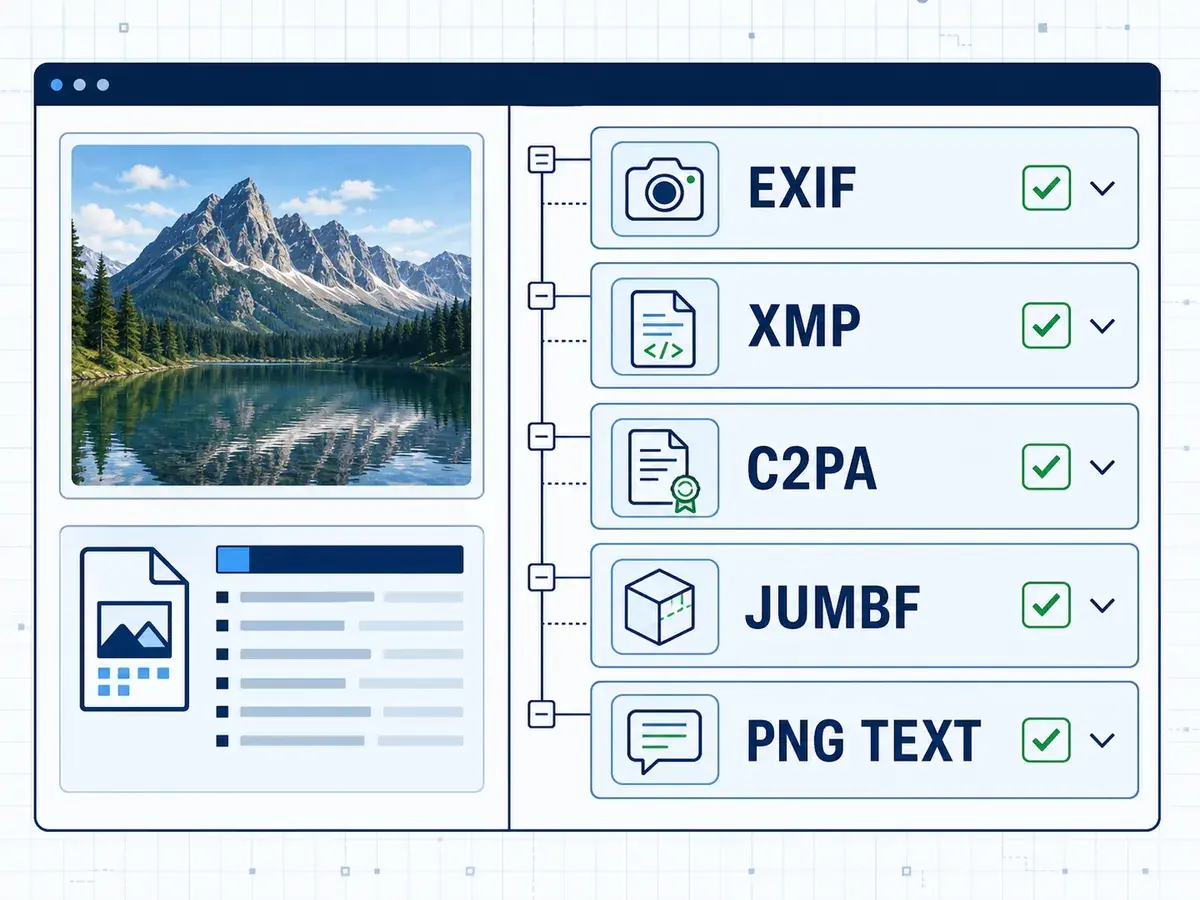
Generated images can contain EXIF, GPS, author, time, and software fields like camera photos. They may also carry prompts, seeds, models, or workflows, so AI records and ordinary privacy details can coexist.
ChatGPT and DALL·E, Adobe Firefly and Photoshop, Stable Diffusion, and ComfyUI do not share one metadata layout. Details may appear in XMP, EXIF, PNG text, C2PA or JUMBF records, or workflow graphs.
Support depends on each supported file structure, not its generator. The image metadata remover reports findings and verifies the cleanup path. It cannot remove SynthID or pixel watermarks, bypass AI detectors, or delete server-side records.
C2PA Content Credentials can use embedded manifests and JUMBF structures to describe provenance.
Text or workflow fields can include prompts, seeds, samplers, models, and production settings.
EXIF and GPS data can accompany device, author, time, and software details in a generated image.
AI image metadata remover support depends on structures present in each file, not a generator name alone.
Honest limits
File cleanup has a precise scope, so these limitations remain part of every result.
Questions and answers
Get direct answers about privacy, supported files, batch cleaning, conversion, AI sources, and preservation.
Return to the tool above to inspect, clean and verify your images locally before you download them.