
Keep Personal Details Private
A PDF may identify its author or organization even when those details are not visible in the document. Remove information you do not want to share with recipients.
Remove metadata from PDF files before sharing. Use this PDF metadata remover to clear author details, titles, keywords and other supported document properties. No installation or registration required.
Clears document properties, document/page XMP, document identifiers and unreachable old objects. Page content, links, bookmarks, forms and attachments are retained.
Local browser processing · Up to 500 pages per PDF · Encrypted, digitally signed, XFA and overly complex PDFs are not supported.
Technical failures automatically send the failed original PDF and a limited error report to private diagnostic storage, with a three-day retention threshold and scheduled deletion. Successful files and expected limit or unsupported-file rejections are not submitted.
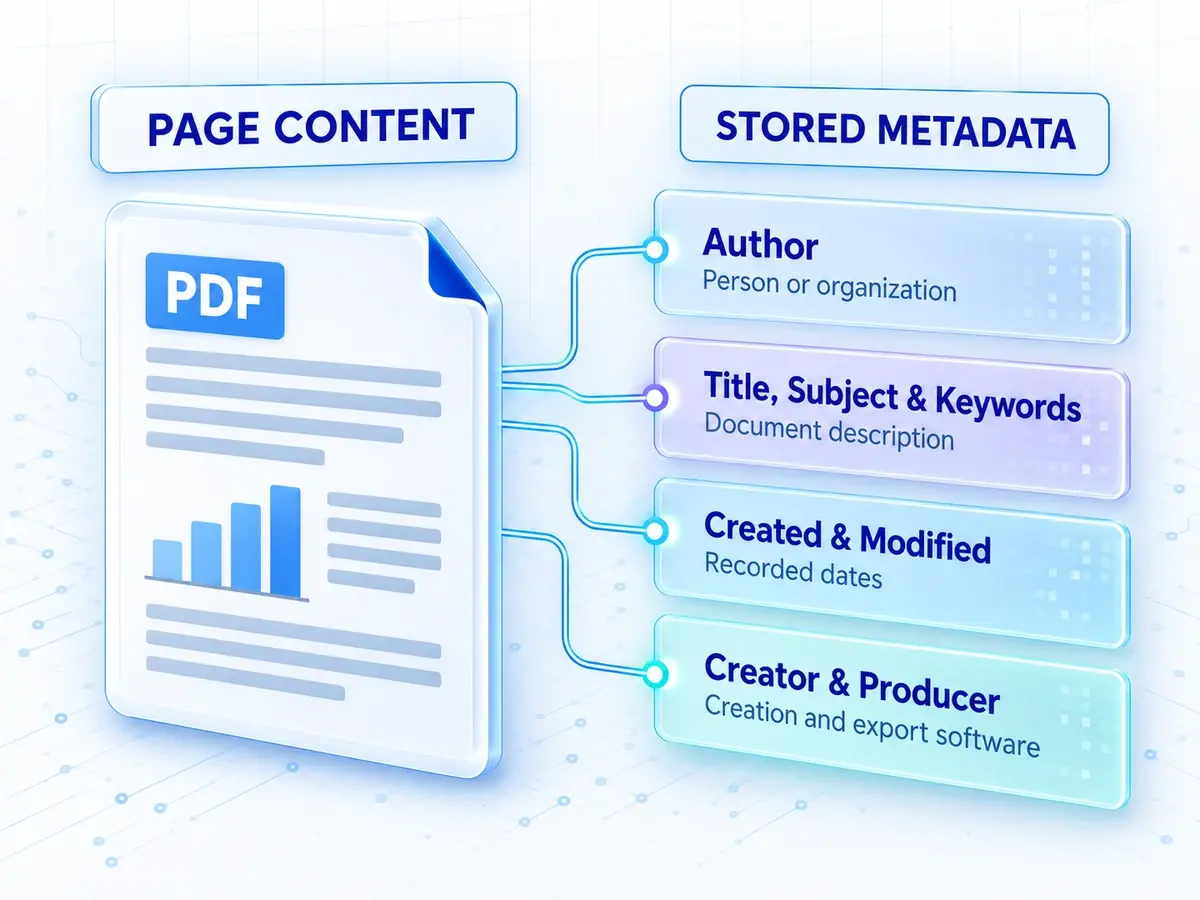
PDF metadata is information stored within a PDF that describes the document rather than its visible page content. It can include the author, title, subject, keywords, creation and modification dates, and the software used to create the file.
These details may not appear on the page, but they can still travel with the file. Use the PDF metadata remover to review these properties before sharing a copy.
Use this PDF metadata remover online before sharing a document. Its hidden properties may contain personal details or information left over from earlier work.
A PDF may identify its author or organization even when those details are not visible in the document. Remove information you do not want to share with recipients.
Documents created from templates may carry a previous client’s name, an outdated title, or keywords from another project. Clear these details before sending the finished PDF.
When you publish a report, portfolio, or handout online, its document properties become available to anyone who downloads it. Run the PDF metadata remover before publishing, then review the cleaned copy.
Remove metadata from your PDF in three simple steps.
Step 1
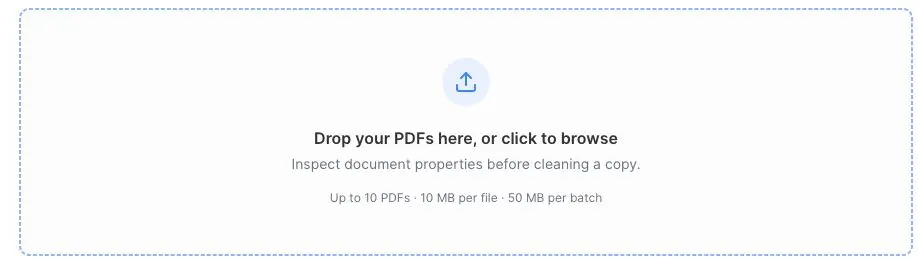
Choose up to 10 PDFs for the PDF metadata remover. Each file is checked in your browser, and detected document properties appear for review. Keep your originals as a backup.
Step 2
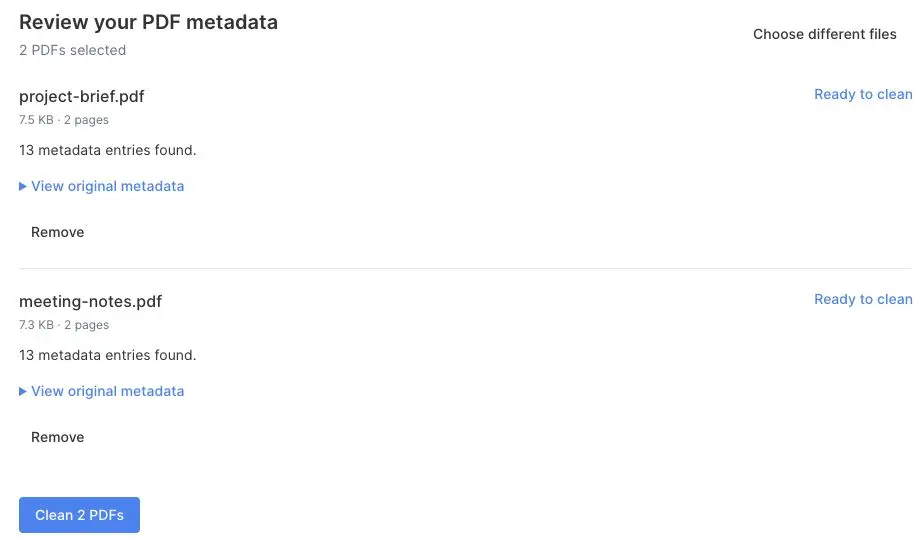
Review the findings and expand the original metadata if needed. Click Clean to remove metadata from PDF files. The PDF metadata remover verifies each cleaned copy before download.
Step 3
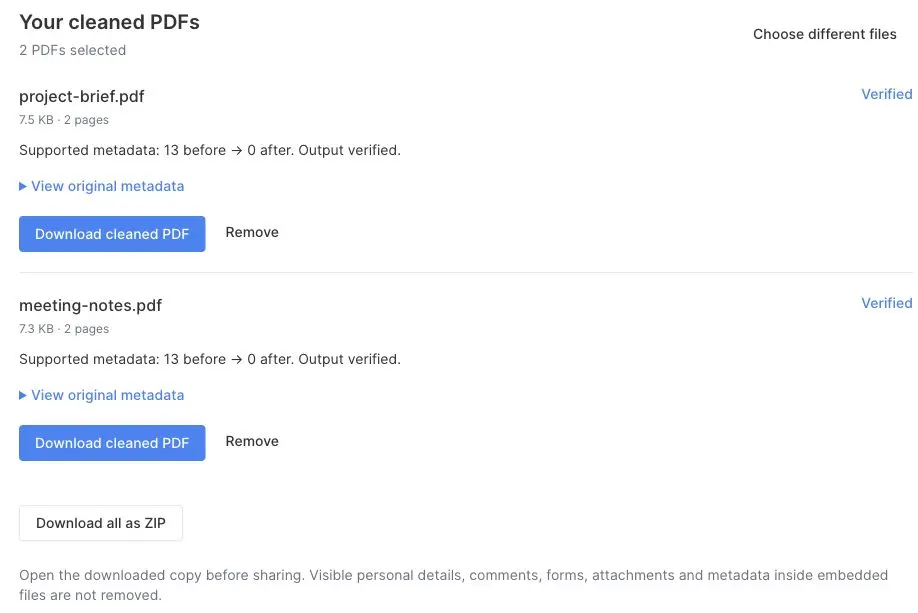
Compare the before-and-after metadata counts, then download each verified PDF or collect multiple results in a ZIP. Open the downloaded copies and review their contents before sharing.
Remove hidden document properties while keeping your PDF’s content intact. Here is what this tool removes, what it preserves, and which files it supports.
The tool removes document properties such as author, title, subject, keywords, dates, and software information, including custom properties. It also clears document and page-level XMP metadata, PDF file identifiers, and old internal objects that the document no longer references.
Text, images, and page layout are preserved, along with links, bookmarks, comments, form entries, and embedded attachments. The tool checks that retained document objects are unchanged before making the cleaned copy available to download.
Names, addresses, and other personal details can still appear on a page, in comments, in form entries, or inside attachments. This tool does not remove those details or clean metadata inside attached files. Review them separately and use a dedicated redaction tool when needed.
Encrypted PDFs, files with detected digital signature structures, and XFA forms are not supported. PDFs with more than 500 pages or structures that exceed the tool’s processing limits are also rejected. Your original file remains unchanged.
Answers about PDF metadata, document contents, and checking the result.