
Clarity before complexity
Metadata families, actions and warnings should be understandable without specialist terminology.
About Us
AI Metadata Remover helps people inspect and clean embedded image information locally, with clear explanations of what changes and what stays intact.
An image can reveal more than its visible pixels. Device details, dates, locations, author fields, editing history and AI-generation records may remain embedded when a file is shared.
AI Metadata Remover gives those details a clear inspection surface before you decide what to remove. The current tool supports JPG, PNG, WebP and HEIC/HEIF images and works locally in your browser. HEIC/HEIF inputs require conversion to JPG, PNG or WebP, with a 64 MP decoded-image limit.
Our goal is straightforward: make informed image sharing possible without requiring specialist metadata knowledge or sending selected files to a project server.

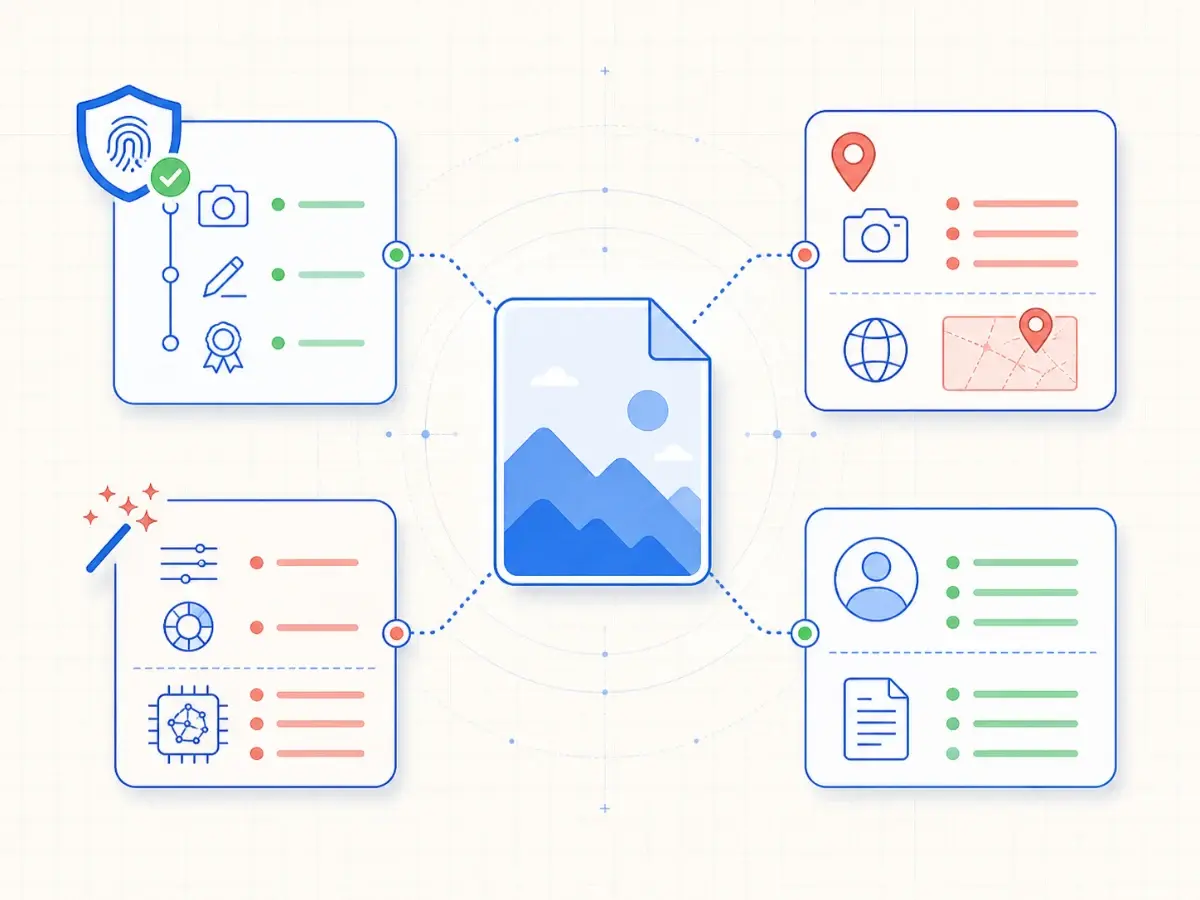
C2PA Content Credentials, EXIF camera data, XMP editing records, IPTC fields and PNG text can describe where an image came from, how it was edited or which tool created it.
Some fields are useful, while others can expose a private location, device, author name, prompt or production workflow. Seeing the difference is the first step toward a safer decision.
Inspection, cleanup and verification run locally in your browser. The selected image contents do not need to travel to our project servers for the current workflow.
The tool rewrites supported metadata structures around the existing image payload rather than drawing the picture onto a canvas or deliberately re-encoding it.

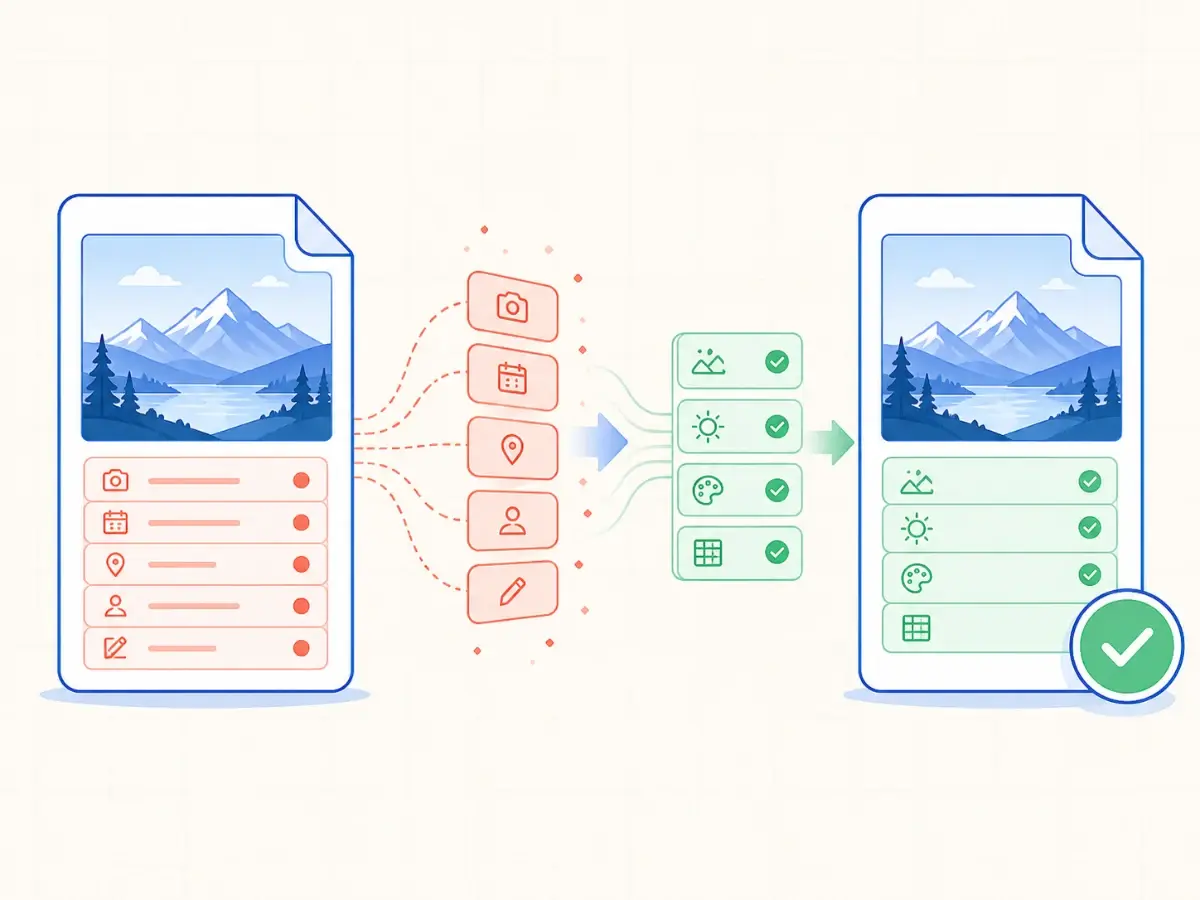
A metadata tool should not promise that every unknown structure can be removed safely. AI Metadata Remover separates removed, preserved and warning items so the result remains understandable.
After cleanup, the output is parsed again, its image payload is compared and its decoded dimensions are checked. A failed verification does not become an unverified download.
These principles keep the product focused on transparent, verifiable metadata cleanup.
Metadata families, actions and warnings should be understandable without specialist terminology.
Selected image contents stay in the browser throughout the current inspection and cleanup workflow.
Cleanup should protect image payloads and display-critical information instead of deleting every unfamiliar structure.
Published product language should match behavior that can be tested in the browser and checked again after cleanup.
Open the local metadata workspace to inspect supported images, or email us with a question about AI Metadata Remover.
Support email: support@ai-metadata-remover.org